
Setting Up a Model
- Home
- Help With Solver in Google Sheets
- Examples Solver Add-on
- An Optimization Model
- Setting Up a Model
Setting Up a Model
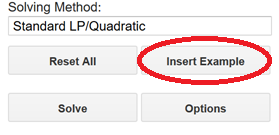
Click Insert Example at the bottom of the Solver pane to enter the problem described above into the spreadsheet.
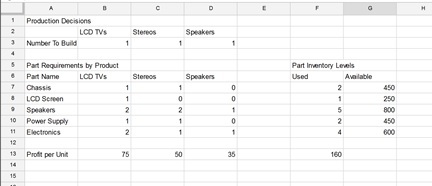
The example appears in spreadsheet cells A1:G13.
We're Here to Help
- Question or Comment
- Support Live Chat
- Consulting Help
- Support KnowledgeBase
-
Call Us
Inside USA: 888-831-0333
Outside: 01+775-831-0300