
Selecting the Solver Engine
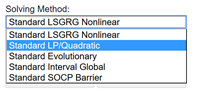
Since this model is linear, we will click inside the Solving Method box and select Standard LP/Quadratic.
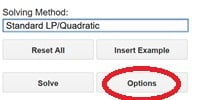
To change any engine options, click Options.
In this case, we will use the default engine settings for the Standard LP/Quadratic engine. Note that we could have selected Assume Non-negative on the Engine options pane rather than entering the non-negativity constraint B3:D3 >= 0. The Assume Non-negative option adds a lower bound of 0 to all unbounded variables.
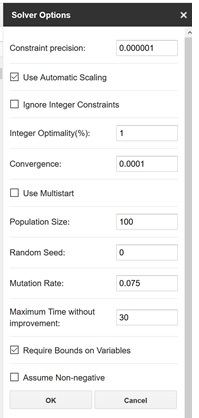
For more information on each engine option, please see the Solver Add-on Engine Reference chapter that occurs later on in this guide.
Click OK to return to the Solver pane.