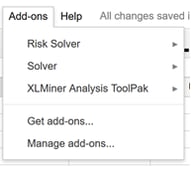
Inserting the Add-on
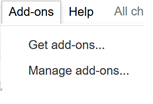
Open a blank worksheet in Google Sheets. Click Add-ons –Get Add-ons.
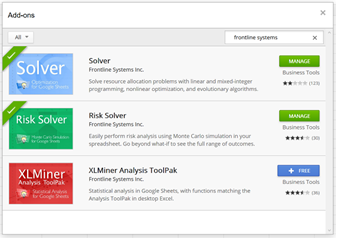
In the Store search field, enter "Frontline Systems" and press Enter. Then select the desired add-on by clicking the blue "Free" button next to the add-on.
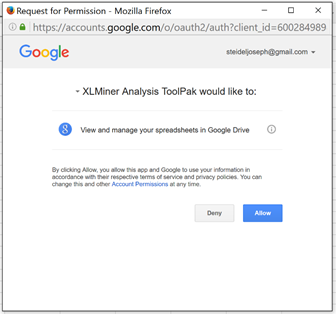
Depending on the add-on selected, you will be asked to grant permission.
Once permission is granted, click Add-ons - <Desired_Add-On> - Start to insert the add-on into the Google Online workbook.
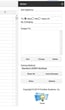
Click Add-ons – Solver – Start to open the Solver Add-on in a blank Google Workbook.
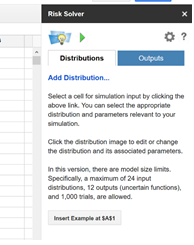
Click Add-ons – Risk Solver – Start to open the Risk Solver Add-on in a blank Google Workbook.
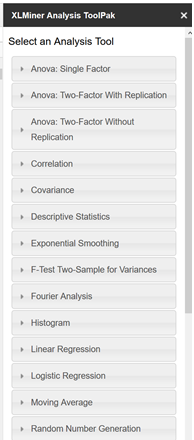
Click Add-ons – XLMiner Analysis Toolpak - Start to open the XLMiner Analysis ToolPak add-on in a blank Google Workbook.
Once an add-on is inserted, you can find it under Add-ons.